AI wallpaper generator for your phone and desktop

This AI wallpaper generator opens in portrait 9:16, the shape of a phone lock screen, so the picture fills the screen without awkward crops. Describe a scene or a mood, run a grid of four, and set the one you like as your wallpaper. Switch to 16:9 for a laptop or monitor. Every wallpaper downloads as a PNG with no watermark.

Last updated:

0/800

A free account gets one Quick image a day. No watermark, PNG download.

1
2
3
4

Pictures made with this setup

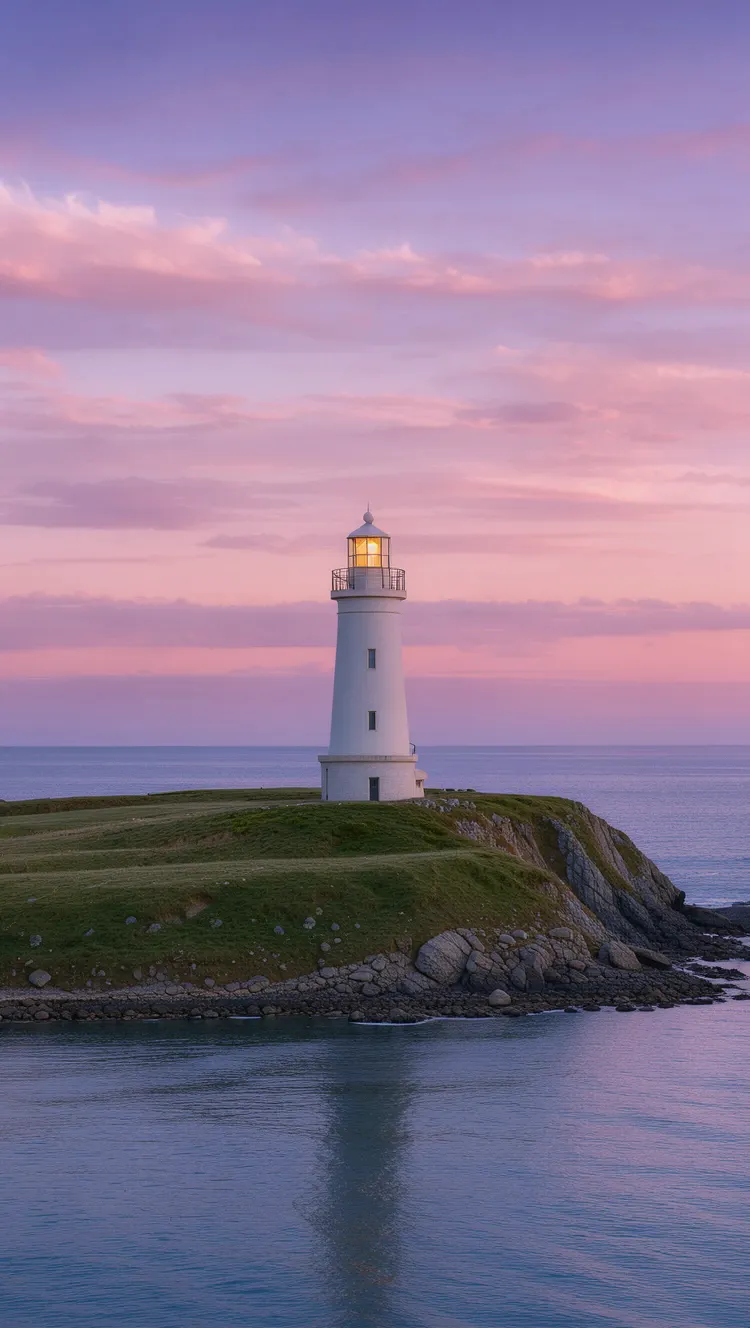
Phone wallpaper: a white lighthouse on a grassy cliff under a wide pink and violet dusk sky.
9:16A white lighthouse on a grassy cliff at dusk, a calm sea below, lots of soft pink and violet sky above, no people, no text
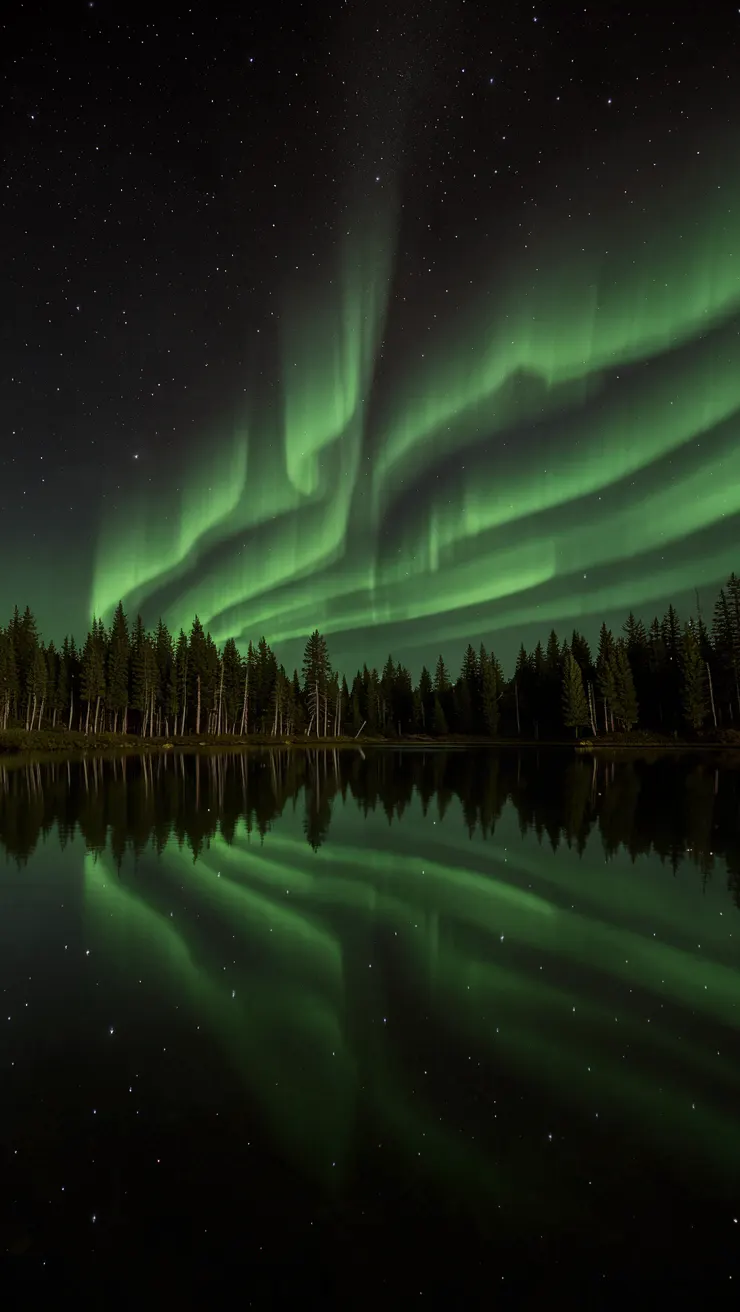
Portrait wallpaper: green aurora ribbons over a dark pine forest, mirrored in a still lake.
9:16Green aurora ribbons over a still lake ringed by dark pine trees, stars reflected in the water, empty sky at the top, no people, no text
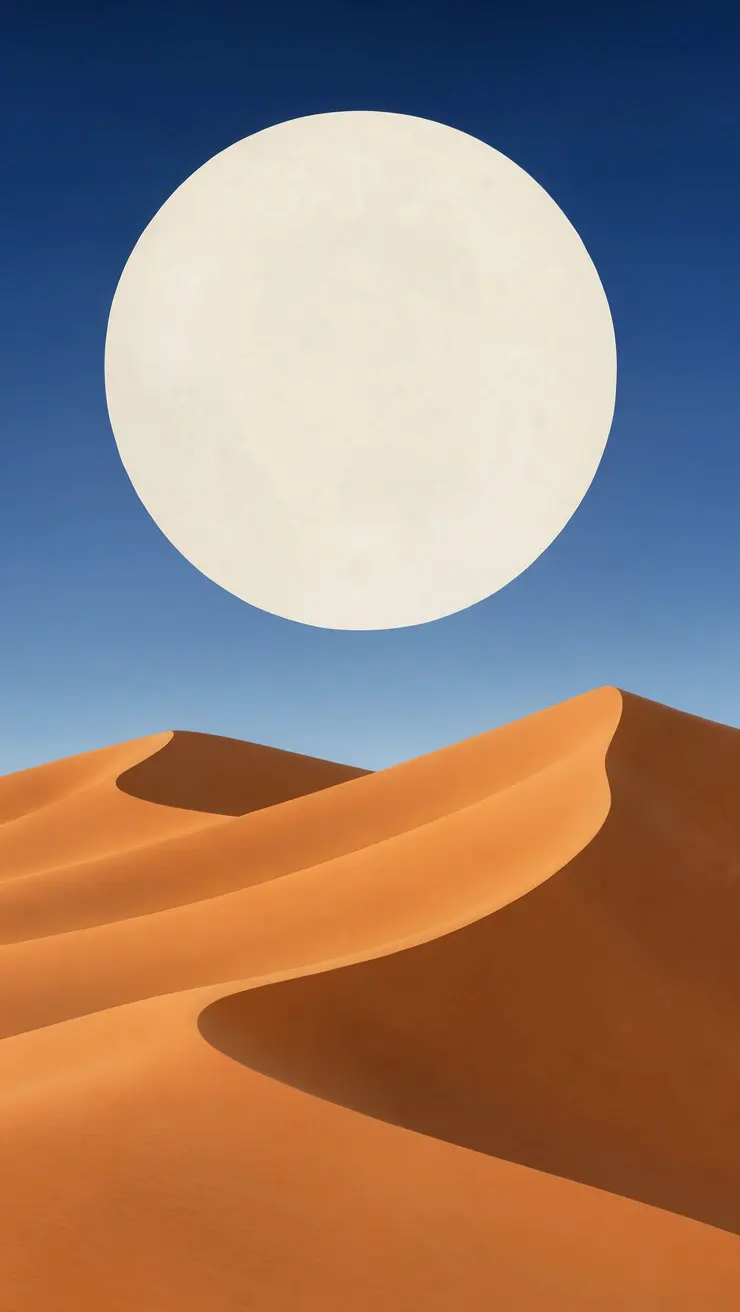
Minimal phone wallpaper: smooth orange sand dunes under a huge pale moon at blue hour.
9:16Smooth orange sand dunes under a huge pale moon at blue hour, gentle gradient sky, minimal and calm, no people, no text
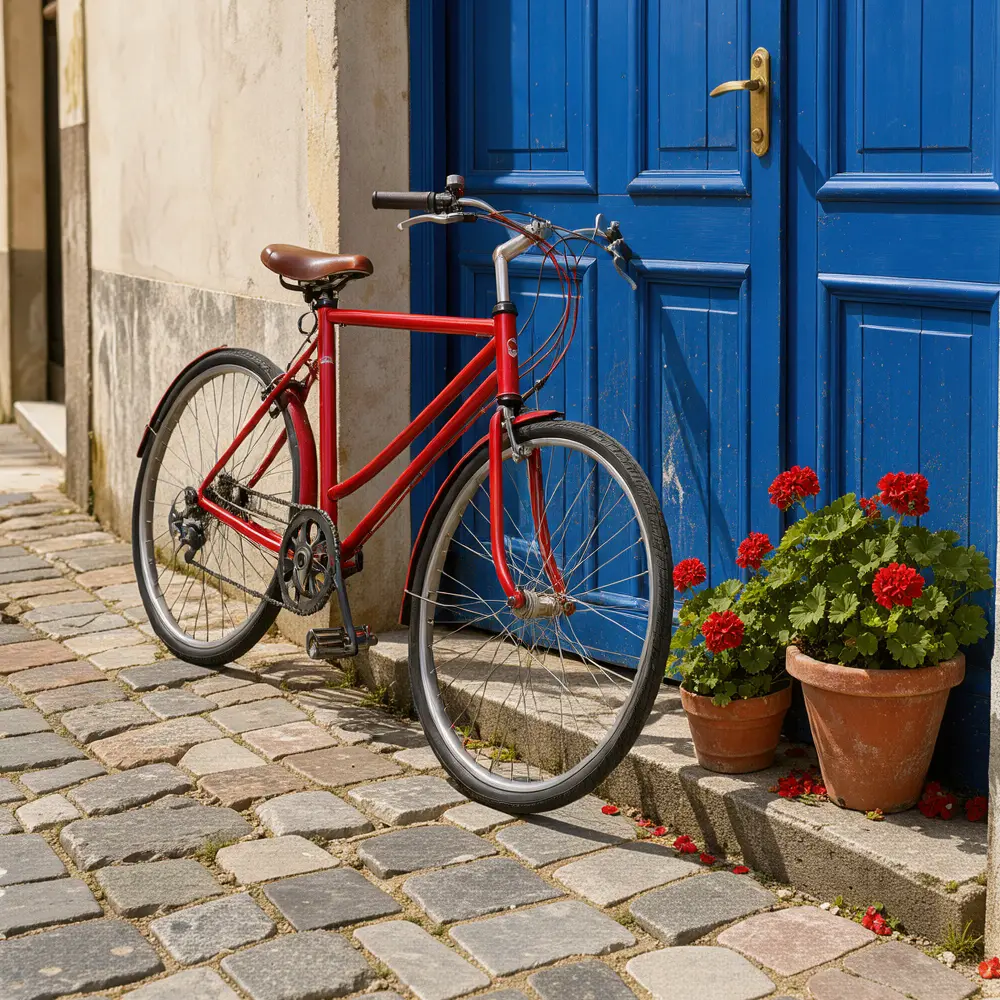
A red bicycle leaning on a bright blue wooden door, red geraniums in pots on the cobbled step.
1:1A red bicycle leaning against a bright blue wooden door on a sunny cobbled street, potted geraniums on the step, no people, no text

Good for

  • Phone lock screens and home screens
  • Laptop and monitor backgrounds
  • Seasonal or holiday wallpapers
  • Matching wallpapers for a phone and a laptop

How to use it

  1. 01

    Pick the screen shape

    Portrait 9:16 is set for phones. Choose 16:9 for a laptop or monitor before you run.

  2. 02

    Describe a calm scene

    Wallpapers work best with a clear subject and some empty space: "a lighthouse on a cliff at dusk, lots of sky".

  3. 03

    Make it Large if it looks soft

    Quick images are 1K. For a sharper wallpaper on a big screen, redo your favourite as Large (2K).

Leave room for the clock and icons

A phone lock screen puts the clock near the top and the app icons over everything on the home screen. Pictures with a busy middle get covered. Ask for "lots of sky", "empty space at the top" or "subject in the lower third" and the important part stays visible. On a desktop, the same trick keeps icons on the left from landing on a face.

Getting a sharp result

Phones scale a wallpaper to fill the screen, so a 1K image can look soft on a large, sharp display. Large redoes the picture at 2K with Flux 3 Klein from the same prompt and ratio. Sharper runs it on Seedream 5 Flash at 2K for finer detail. Both show their credit cost on the button before you press it.

Styles that make good wallpapers

Soft gradients, landscapes, night skies and simple patterns all age well as wallpapers because they do not compete with your icons. Watercolour gives a gentle, paper-like look; Pixel gives a retro game feel; Photo gives a realistic scene. Busy collages and pictures with lots of small text usually look cluttered on a small screen.

What it costs

One Quick picture is 11 credits; a grid of four and the redos are priced in the table below, and every button shows its credits before you press it. Credit packs start at $2.95 and never expire. The Sketch Pad plan is $10.05 a month, or $100.50 billed annually. See packs and plans

Credits for each job
JobModelCredits
Quick grid of 4Flux 3 Klein · 1K40
One Quick pictureFlux 3 Klein · 1K11
SharperSeedream 5 Flash · 2K21
With textGrok Imagine Image 2.0 · 1K25
LargeFlux 3 Klein · 2K16

Questions

What size are the wallpapers?

Quick images are 1K (about one megapixel); Large redoes are 2K (about four megapixels). Pick 9:16 for phones and 16:9 for laptops and monitors.

Is the wallpaper maker free?

A free account gets one Quick image a day, which can be a wallpaper. Grids of four and Large or Sharper redos use credits.

How do I set the picture as my wallpaper?

Download the PNG, open it in your phone’s photos app, and choose the option to use it as a wallpaper. On a computer, right-click the file or use the display settings.

Can I make a live or moving wallpaper?

No. AI Image Free makes still pictures only.

Will there be a logo on my wallpaper?

No. We add no watermark or logo to any image.