AI sticker generator for die-cut sticker art

This AI sticker generator turns a short idea, like "a happy cactus wearing sunglasses", into sticker art: bold outlines, flat bright colours and a thick white border, the look of a die-cut sticker. The Sticker chip is already on, so you only need to type what the sticker shows. A Quick grid gives you four takes on the idea at once, and each one downloads as a PNG.

Last updated:

0/800

A free account gets one Quick image a day. No watermark, PNG download.

1
2
3
4

Pictures made with this setup

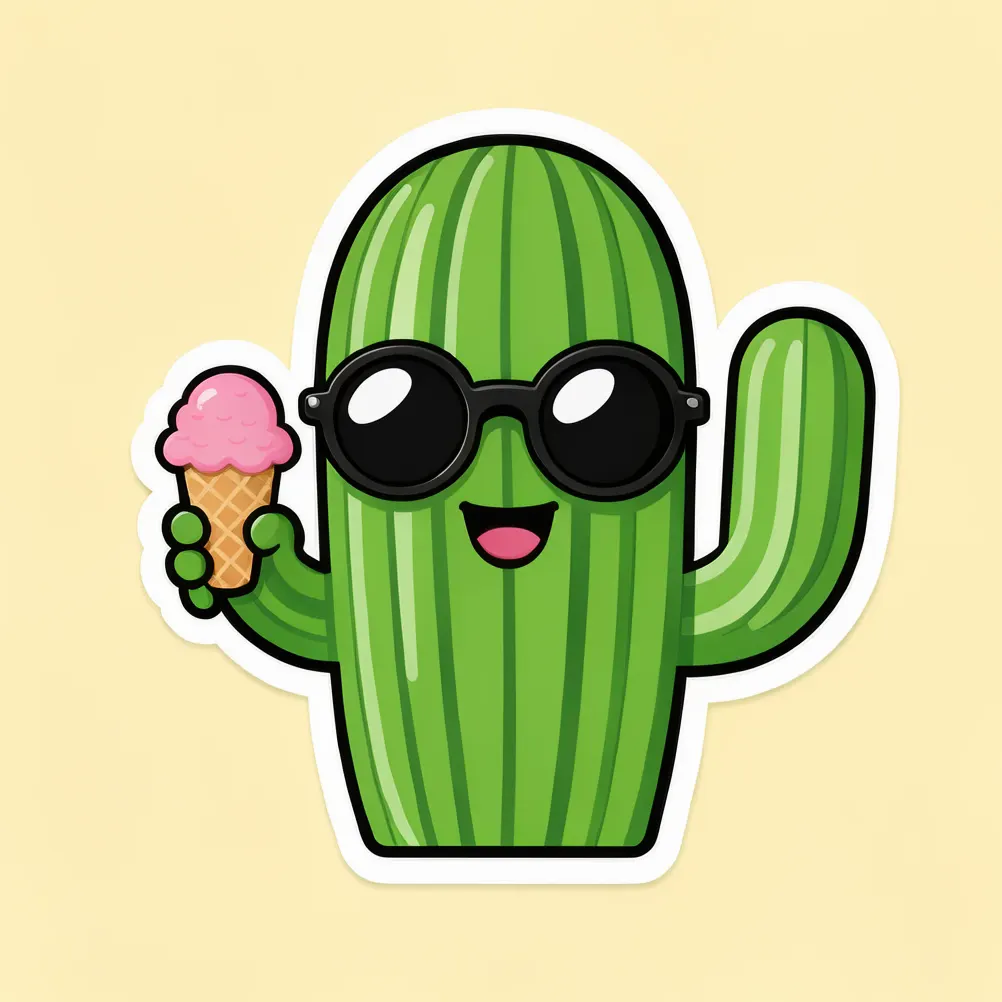
Die-cut sticker: a grinning cactus in round sunglasses holding a pink ice cream cone.
1:1A happy cactus wearing round sunglasses and holding a tiny ice cream cone
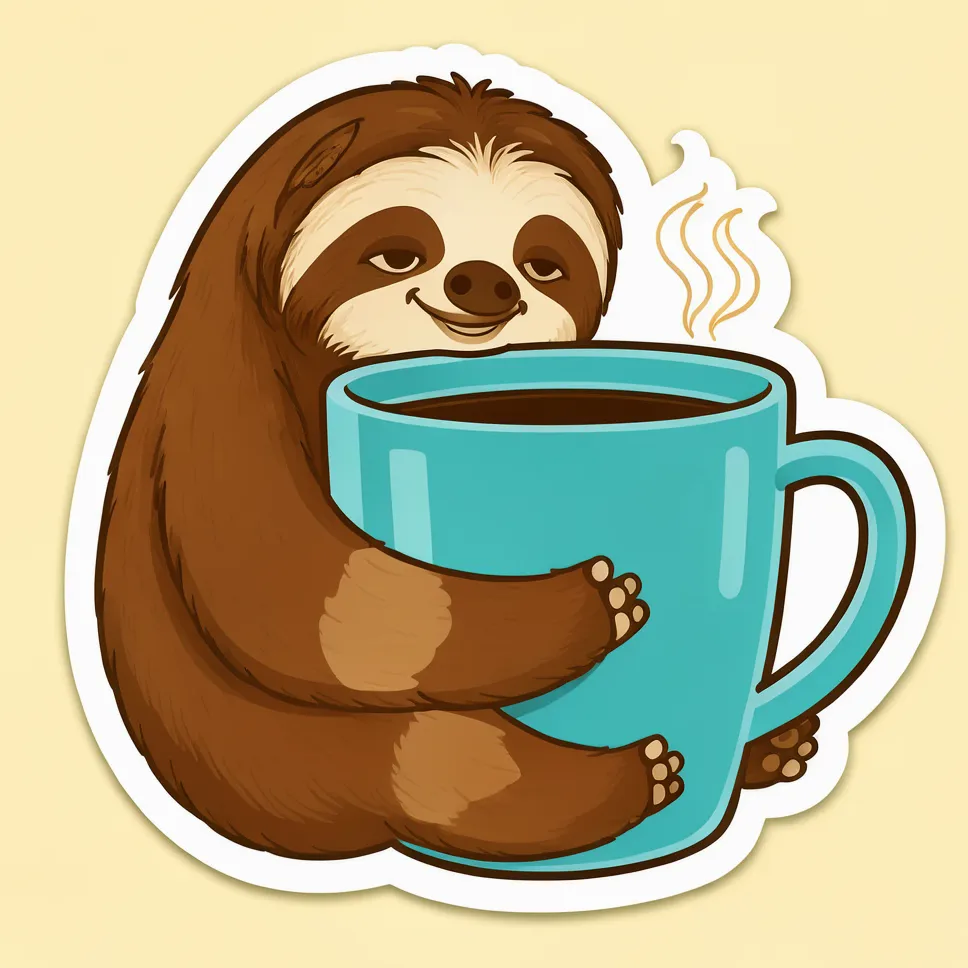
Sticker art: a sleepy sloth hugging a big teal mug of coffee, steam curling up.
1:1A sleepy sloth hugging a big mug of coffee, eyes half closed and smiling
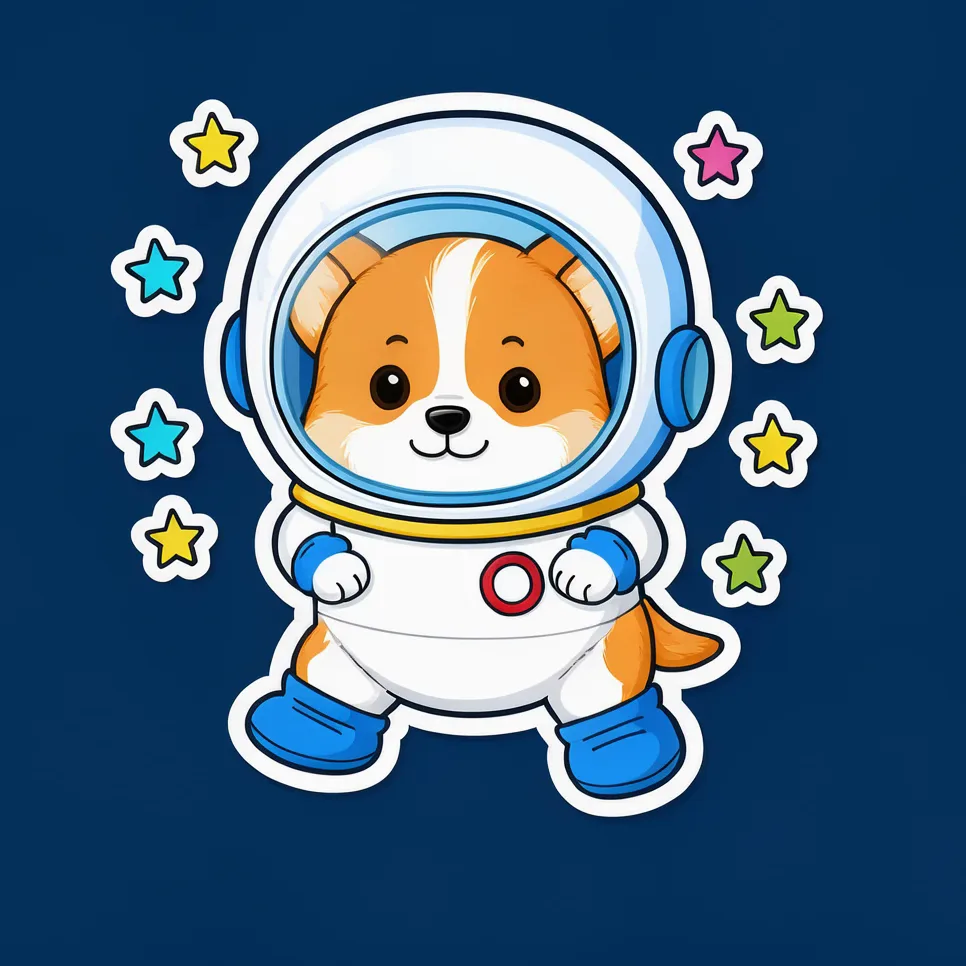
Sticker art: a chubby corgi puppy in a little astronaut suit floating among coloured stars.
1:1A chubby corgi puppy in a little astronaut helmet floating among small stars
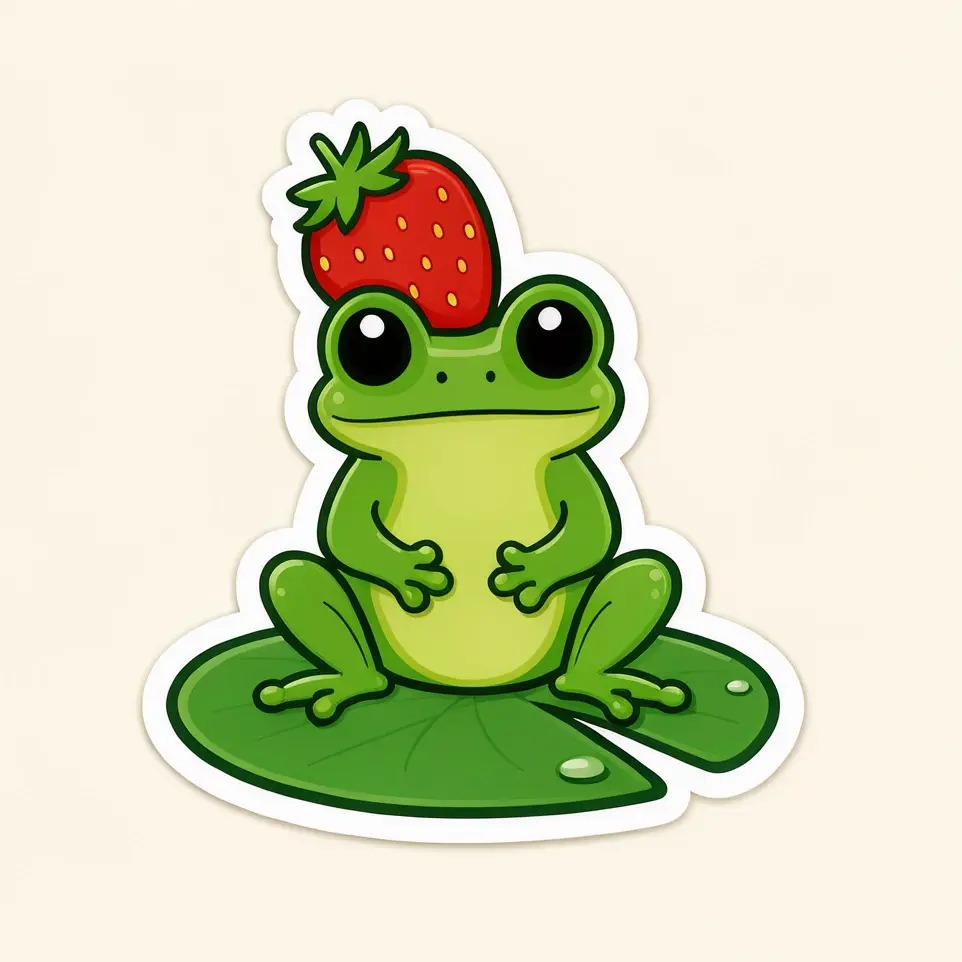
Sticker art: a small green frog wearing a strawberry as a hat, sitting on a lily pad.
1:1A small green frog wearing a strawberry as a hat, sitting on a lily pad

Good for

  • Laptop and water-bottle sticker ideas before you print
  • Chat stickers and reaction images
  • Planner and journal decorations
  • Class rewards and party favours

How to use it

  1. 01

    Name one subject

    Stickers read best with one clear subject. Write the thing and one detail: "a sleepy sloth hugging a coffee cup".

  2. 02

    Run a grid of four

    The Sticker chip adds the outline, white border and flat colours for you. Pick the one you like from the four.

  3. 03

    Redo or download

    Want a name or a word on the sticker? Redo it With text. Happy with it? Download the PNG and print or share it.

What makes AI art look like a sticker

A sticker has a closed outline, few colours and a plain background, so it can be cut out and still read from across a room. The Sticker chip asks the model for exactly that: a die-cut shape, a bold clean outline, a thick white border and flat bright colours on a plain background. Busy scenes and soft lighting fight the look, so keep the prompt to one character or object.

Printing your stickers

The PNG has a plain background, not a transparent one, so a print shop or a cutting machine will need you to trace the white border. Most cutting-machine apps can trace a closed outline in a click. For crisp edges on a bigger sticker, redo your favourite as Large, which makes a 2K image from the same prompt.

Words on stickers

Quick images often misspell words, which is a problem for a sticker that says "Best Teacher". The With text redo runs the picture on Grok Imagine Image 2.0, which draws short words more reliably. Put the exact words in quotation marks and keep them to two or three. Even then, check the spelling before you print, and redo once more if a letter is off.

What it costs

One Quick picture is 11 credits; a grid of four and the redos are priced in the table below, and every button shows its credits before you press it. Credit packs start at $2.95 and never expire. The Sketch Pad plan is $10.05 a month, or $100.50 billed annually. See packs and plans

Credits for each job
JobModelCredits
Quick grid of 4Flux 3 Klein · 1K40
One Quick pictureFlux 3 Klein · 1K11
SharperSeedream 5 Flash · 2K21
With textGrok Imagine Image 2.0 · 1K25
LargeFlux 3 Klein · 2K16

Questions

Is the sticker maker free?

A free account gets one Quick image a day, and with the Sticker chip on that image is sticker art. Grids of four and redos use credits.

Do the stickers have a transparent background?

No. They come on a plain background with a white border. Cutting-machine software can trace the outline to make a cut line.

Can I put a name on a sticker?

Yes. Make the sticker, then use With text and put the words in quotation marks. Short words come out best; check spelling before printing.

Can I sell stickers I make here?

Our Terms of Service set out your rights in the images. Do not copy existing characters, logos or brands, and do not make stickers of real people without consent.

Which model makes the stickers?

Quick stickers are made with Flux 3 Klein. Sharper redos use Seedream 5 Flash and With text redos use Grok Imagine Image 2.0.